The job card lives on their phone now
Sign it, dispatch it, invoice it — one platform, built for South African trades, from solo operators to 50-person teams.
Your details. A client. Job card on site.
In that order, every time. No demo data to clear out first, no setup wizard.
Your details
Your company name and phone number, once. They go on every quote, invoice and statement you send.
Add a client
A name and a number. Jobs need a customer — every job card is raised for one.
Job card on site
Your tech fills it in on their phone, with no signal if that is what the site gives them, and it syncs back to you before anything becomes an invoice.
Job Cards & Schedule
Create, assign, track — from the tech's phone.
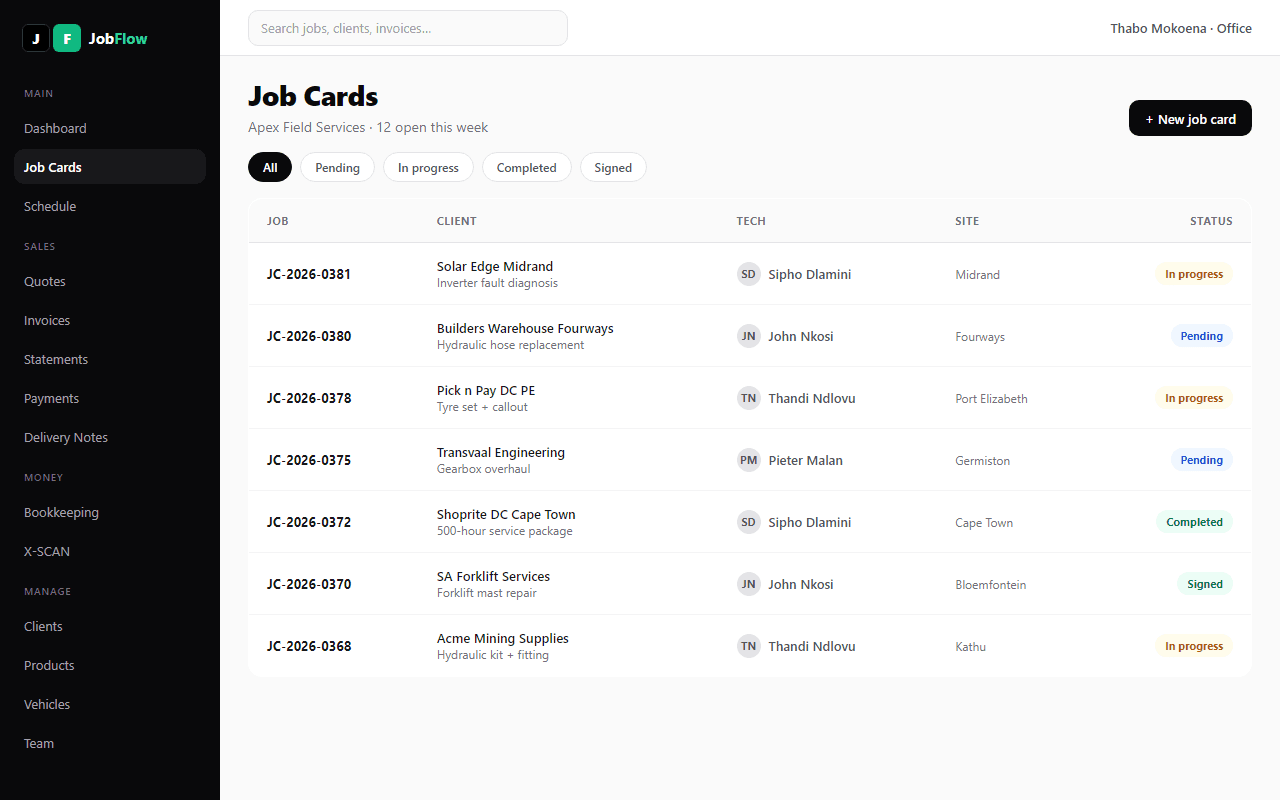
Digital job cards with equipment tracking, labour hours, travel costing, and parts used. Drag-and-drop weekly calendar. Techs update status, add photos, and capture client signatures on their phone.
Client Signatures
Signed on the phone. Proof the job happened.
The client signs for the work on the technician's phone, on site — name, signature and designation captured against the job card. Delivery notes carry two signatures: the driver and the client. On a site with no signal, a signature is saved on the phone and goes through when there is signal again.
Delivery Notes
Dispatch with confidence.
Create delivery notes with products, driver name, vehicle registration, and PO numbers. Drivers check off items on delivery. Dual signatures — driver and client both sign on-device.
Quotes & Invoices
Quote to paid in one flow. VAT-compliant documents.
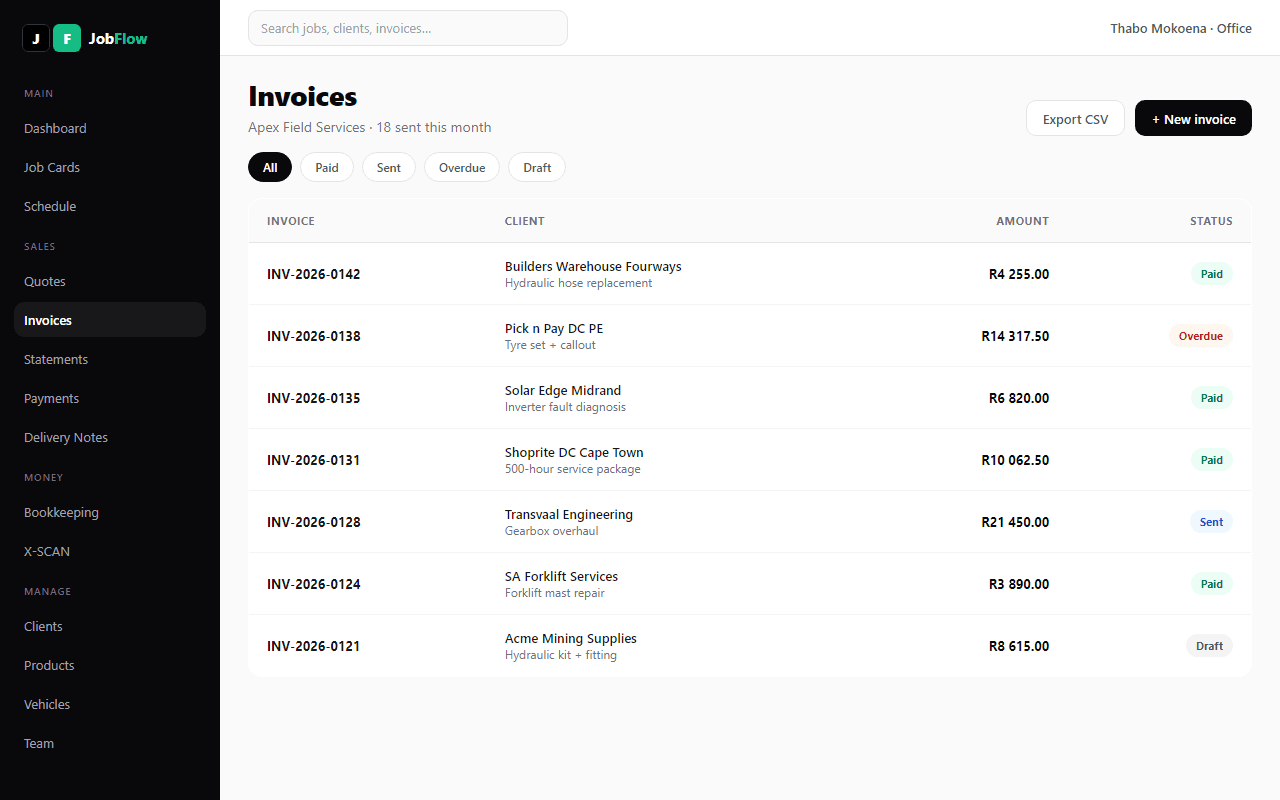
Convert jobs to quotes to invoices in seconds. VAT-compliant PDFs with your company branding and banking details. Track payments, send client statements, issue credit notes — all SARS-compliant.
Voice Fill
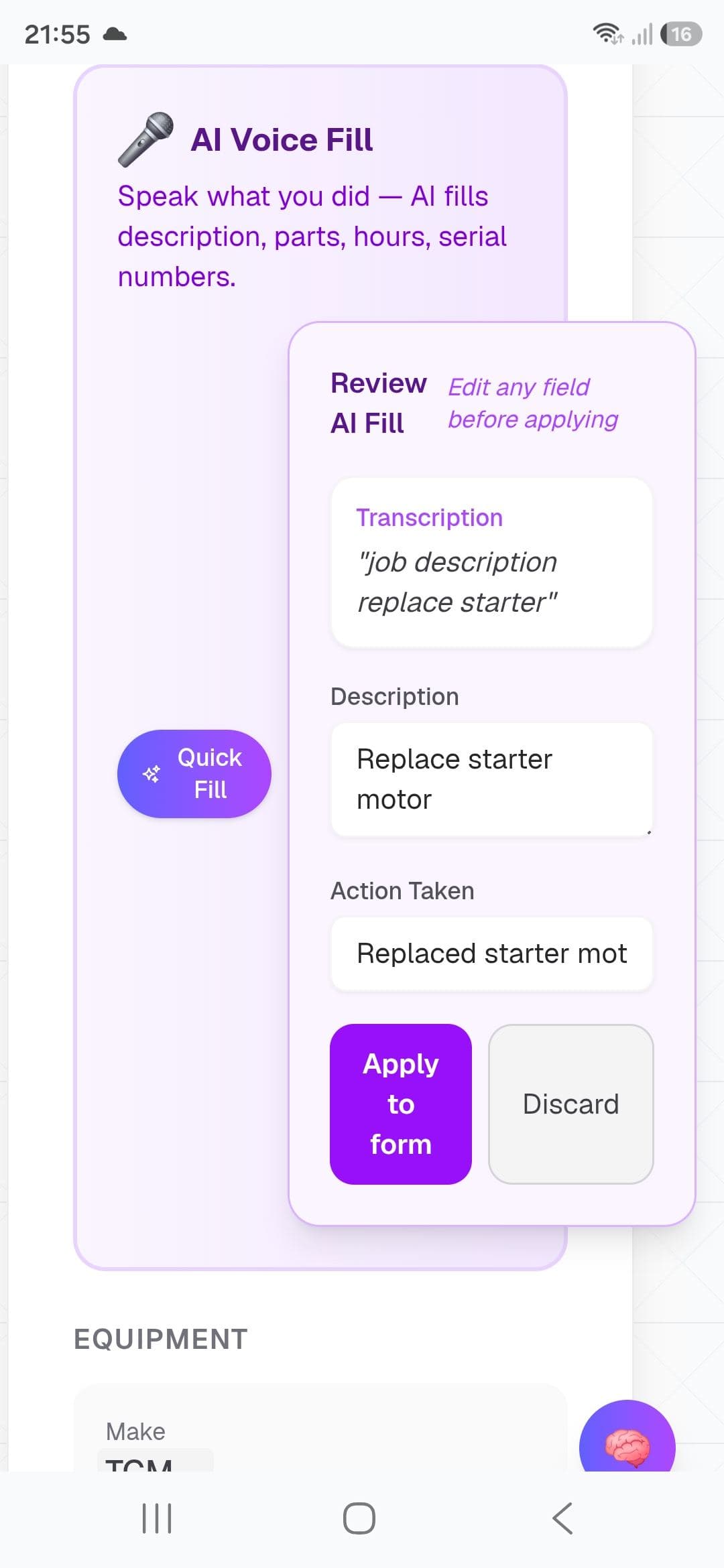
Speak your job. Done in 45 seconds.
Your team speaks job details naturally — client name, equipment make and model, parts used, labour hours, travel distance, serial numbers. Review before you apply. All from a single voice note.
X-SCAN
Snap a supplier slip. Confirm before it sticks.
Take a photo of any supplier invoice or slip. JobFlow pulls supplier name, invoice number, VAT amount, line items and total — you review every field. Match scanned slips against bank transactions when you import CSV.
Bank Match
Upload your bank statement. Match payments in minutes.
Import CSV from any of the 5 major South African banks. Credits link to invoices, debits to scanned supplier slips. VAT201 pulls from matched data. Reconciliation that used to take days now takes minutes.
True Offline
No signal. Jobs still load.
Other apps show a spinner when you're offline. JobFlow shows your jobs. Pre-loads automatically. Survives app kills. Works in basements, rural sites, and load shedding. Edit jobs, take photos, capture signatures — everything queues and syncs when you're back online.
Recurring Jobs
Set it once. Jobs generate on schedule.
Create templates for maintenance contracts, regular services, or any repeating work. Choose manual mode (you review and assign a tech) or auto mode (tech pre-assigned, ready to go). Job cards generate on schedule with equipment and line items pre-filled.
Team Management
Everyone has their place.
Role-based access for office staff, technicians, bookkeepers, and drivers. Each role sees exactly what they need — no clutter, no confusion. Invite your team in one click.
Push Notifications
Your team knows instantly.
Techs get notified the moment a job is assigned. No more phone calls, no more missed work. Works on any device — Android, iPhone, or desktop.
Bookkeeper Role
Finance tools for your office or bookkeeper.
Give your bookkeeper a focused login: VAT201, bank import, statements, X-SCAN, payment matching, and CSV export — without cluttering technician or driver workflows.
Ready to see it in action?
Free 14-day trial. No credit card. Cancel anytime.